Setting up a Mempools account
Click here to watch (opens in a new tab)
In this guide, you will learn how to set up a Mempools account and create your first alert. Follow the instructions below to get started.
Go to mempools.com (opens in a new tab)
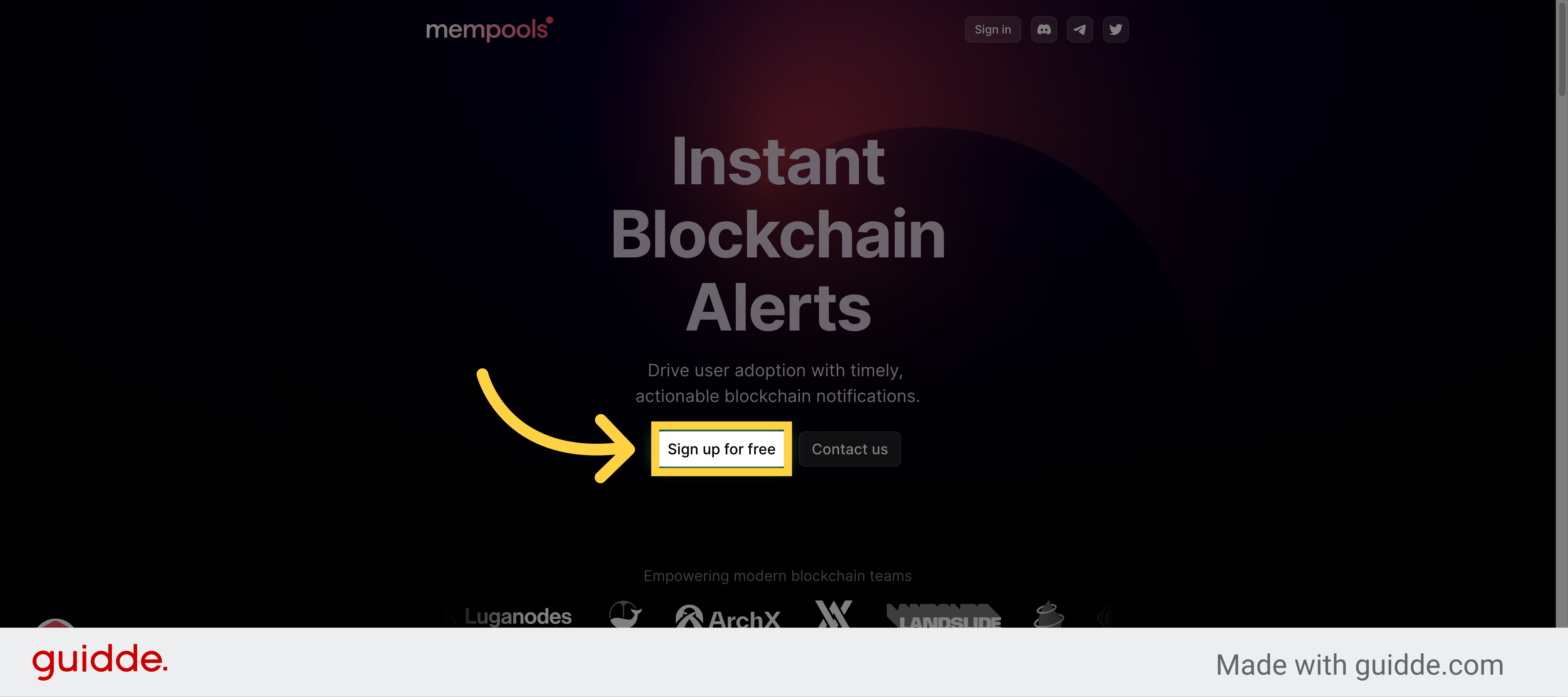
1. Click "Sign up for free"
Click on "Sign up for free"
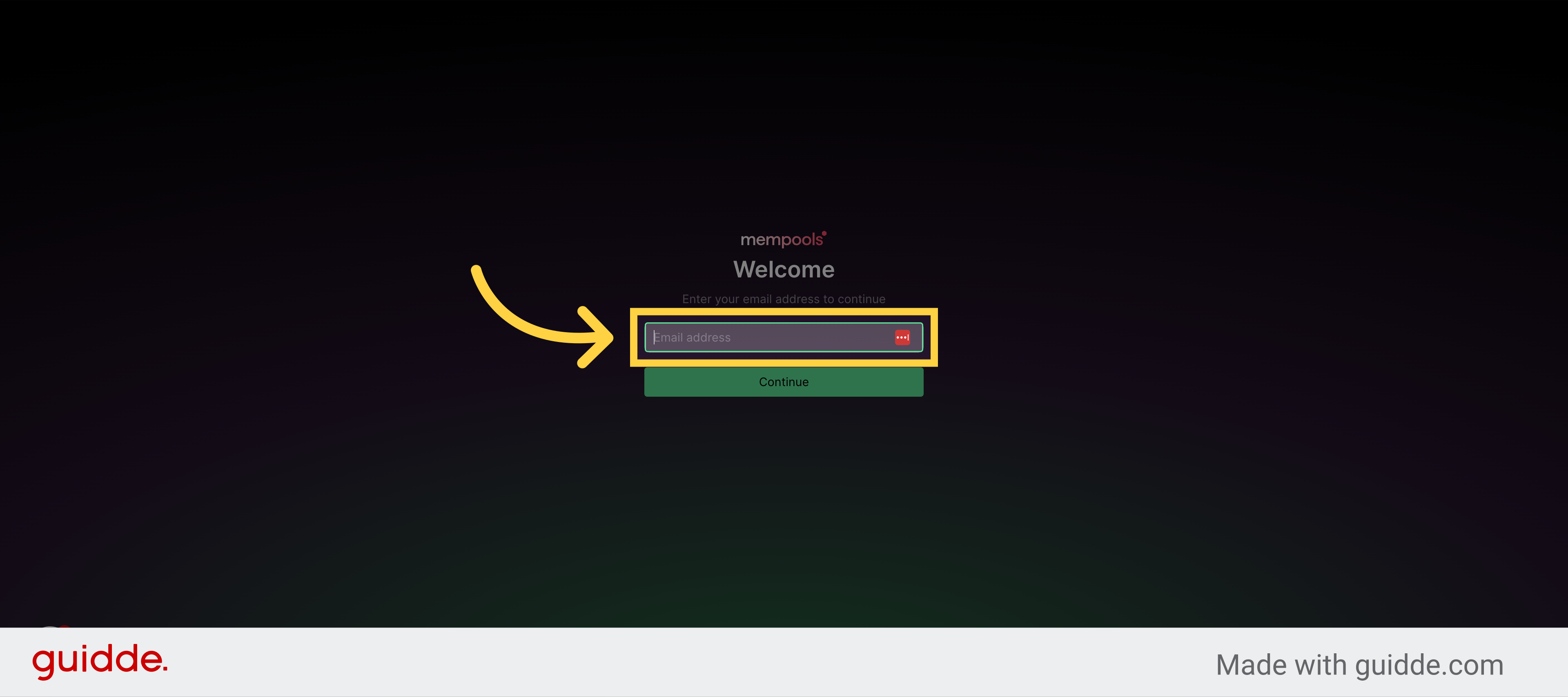
2. Add your email address
Add your email address and hit "Continue"
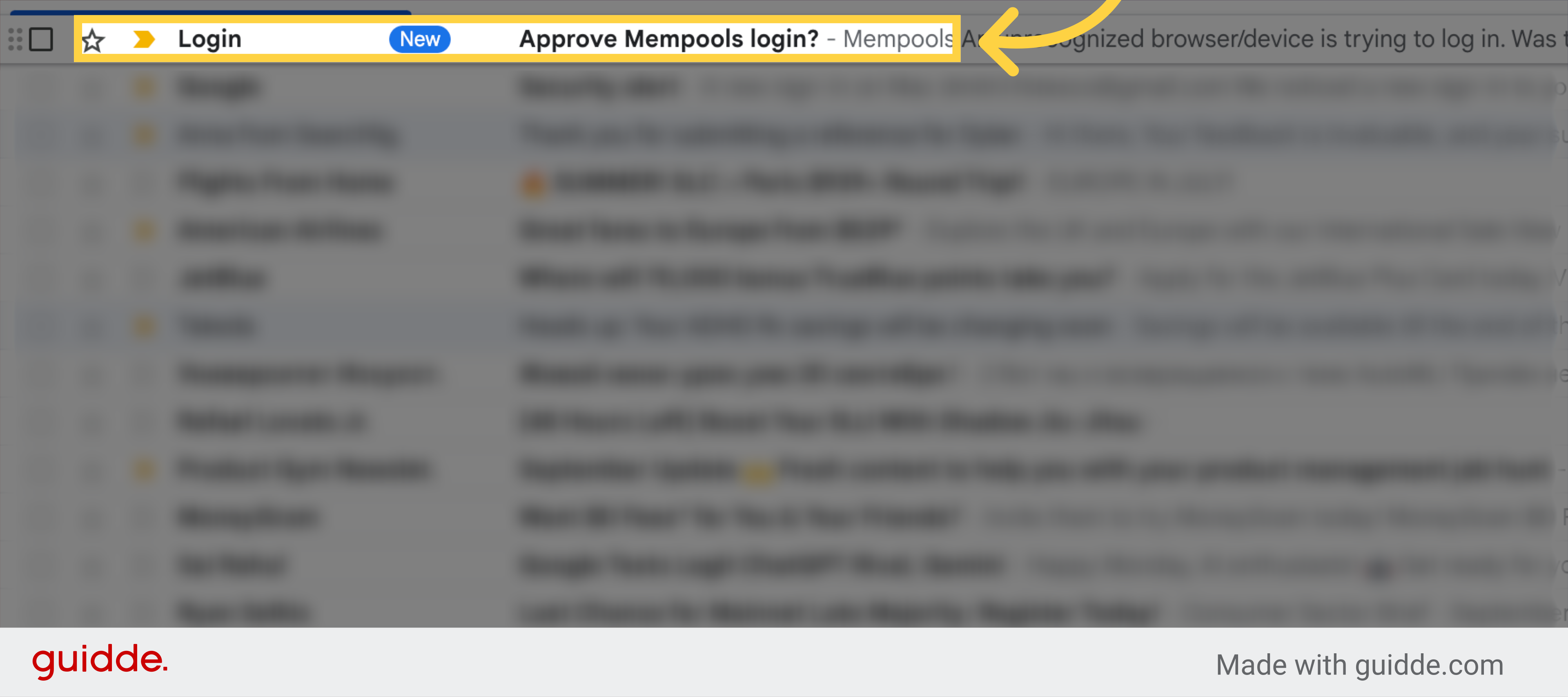
3. Click "Approve Mempools login?"
Click on the email with the subject "Approve Mempools login?".
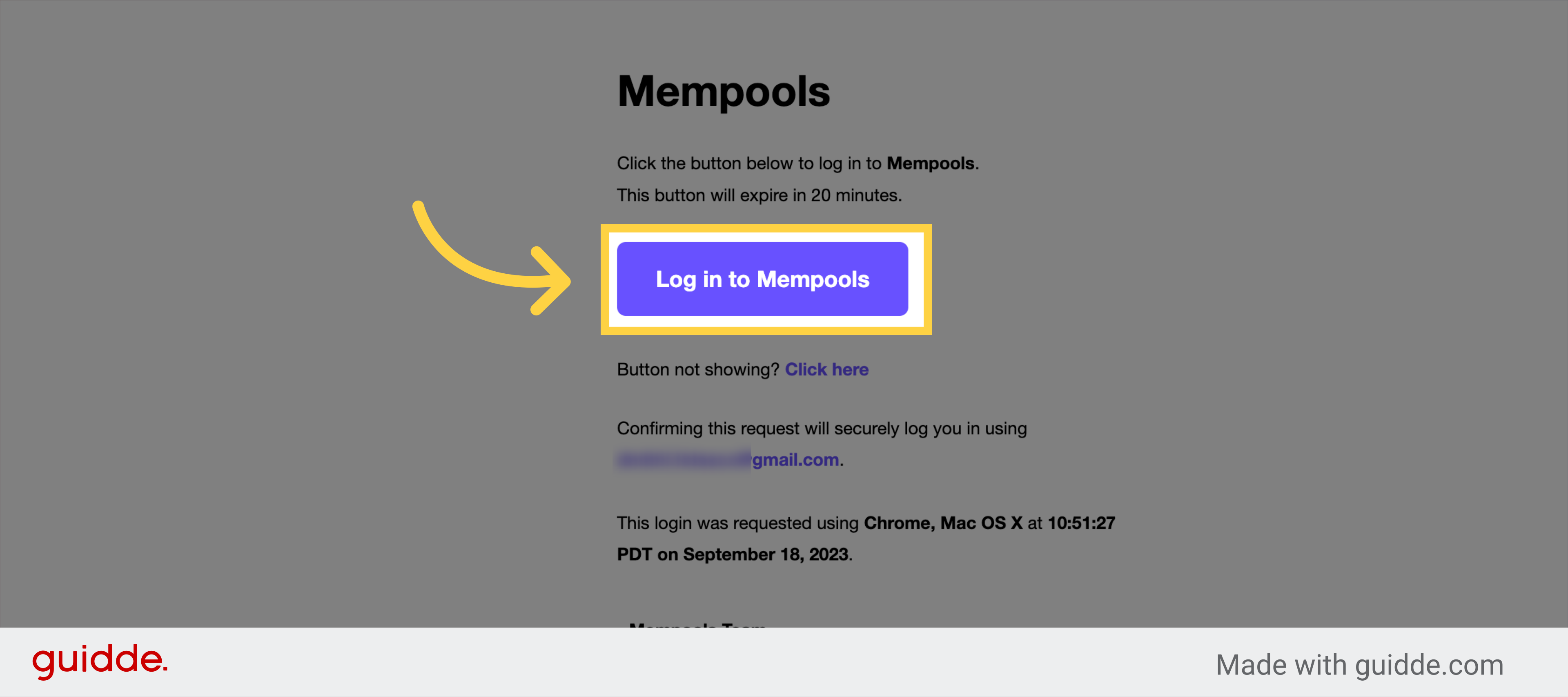
4. Click "Log in to Mempools"
Click on the "Log in to Mempools" button.
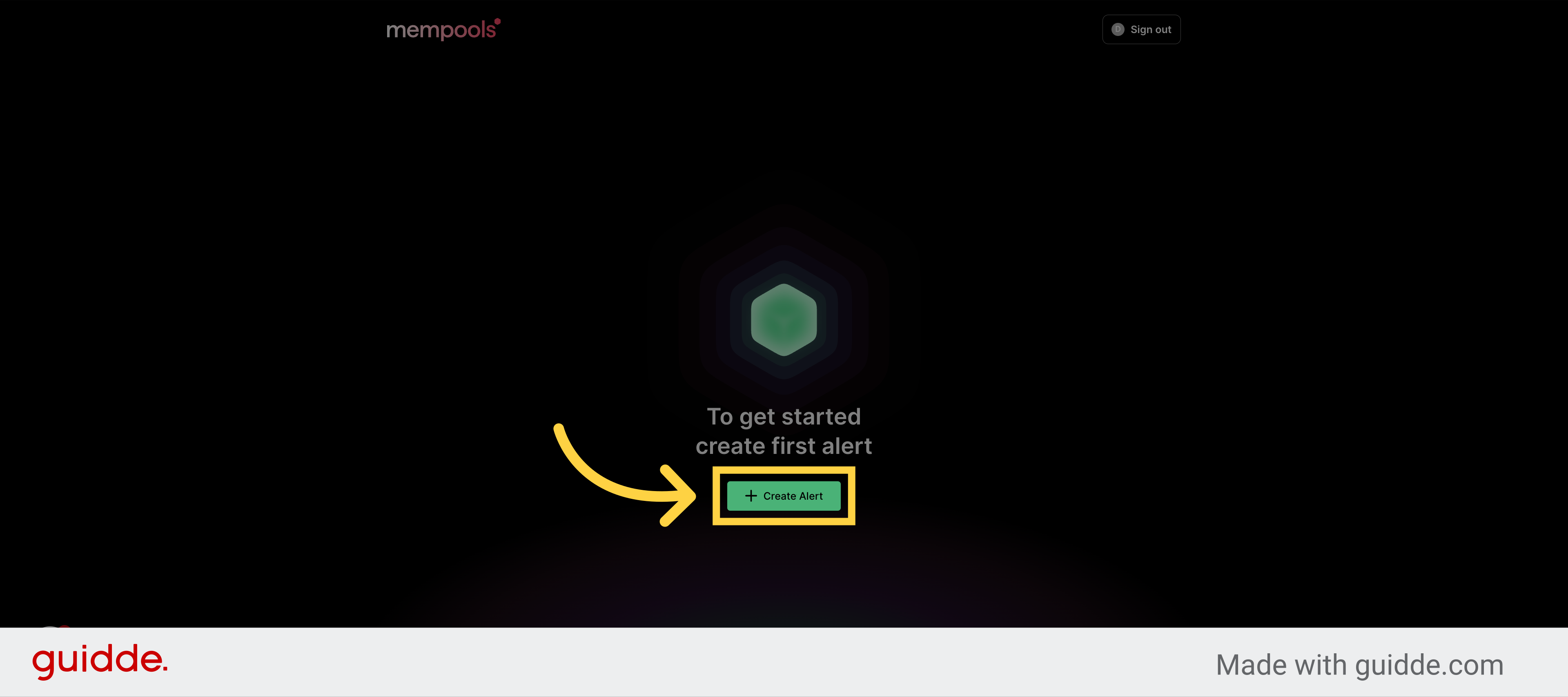
5. Click "Create Alert"
Click on the "Create Alert" button.
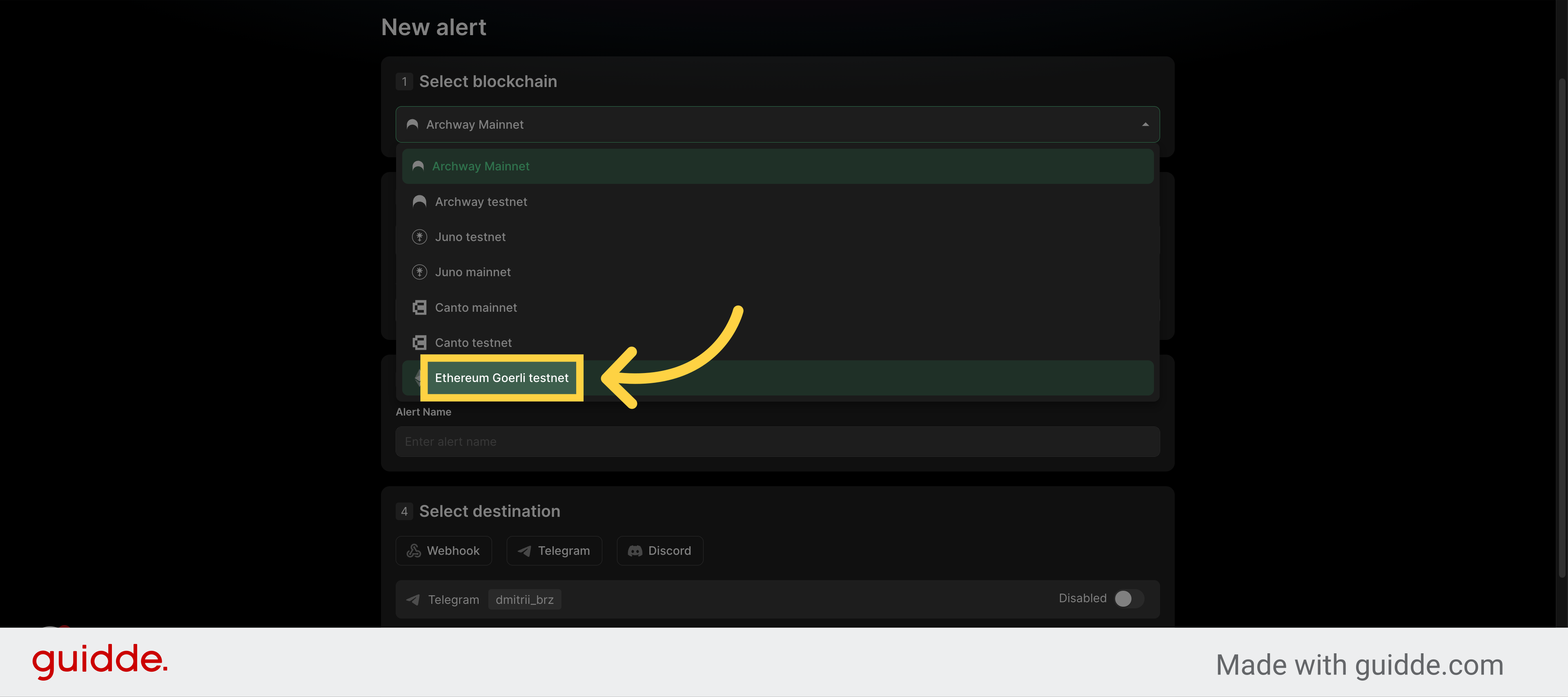
6. Specify network - "Ethereum Goerli"
Select "Ethereum Goerli testnet" from the dropdown menu.
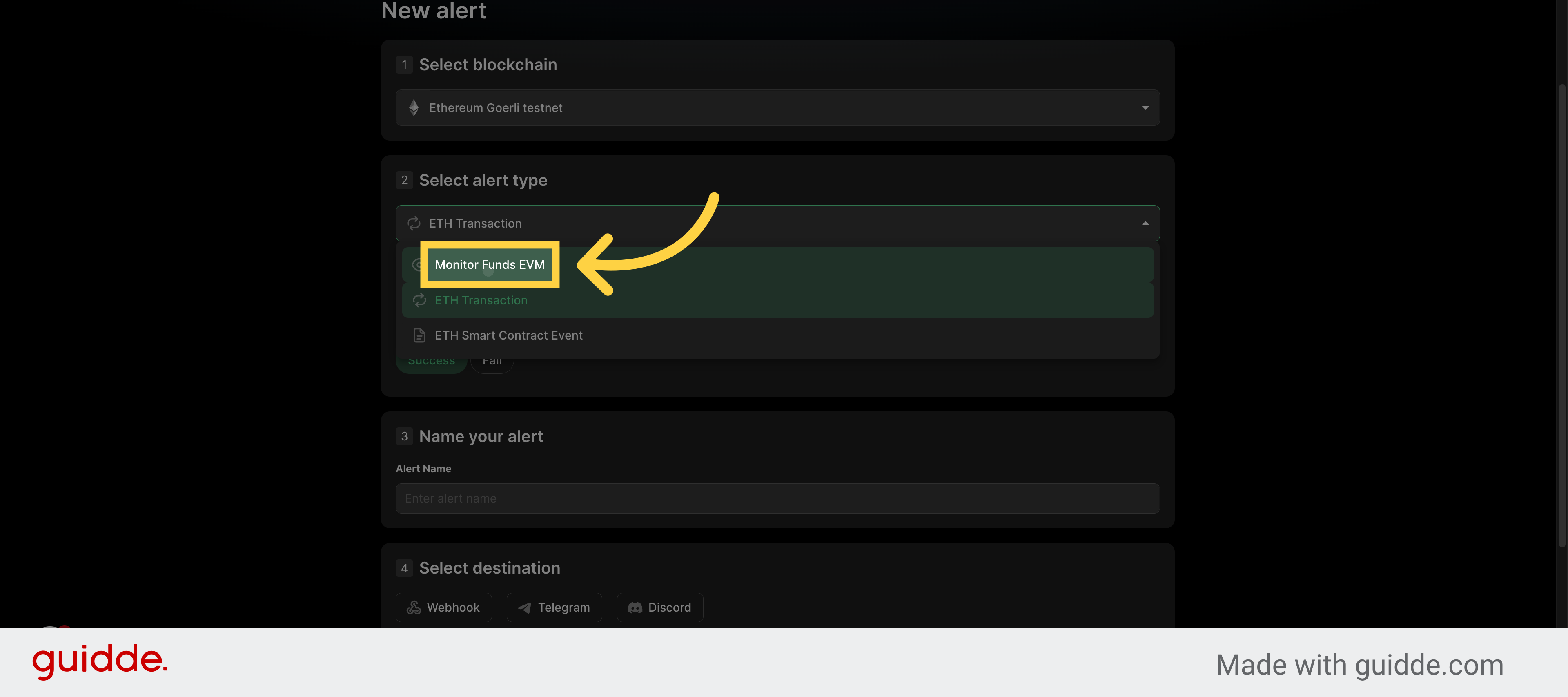
7. Specify Alert - "Monitor Funds EVM"
Select "Monitor Funds EVM" from the dropdown menu.
8. Click "Set address to monitor"
Click on the "Set address to monitor" button.
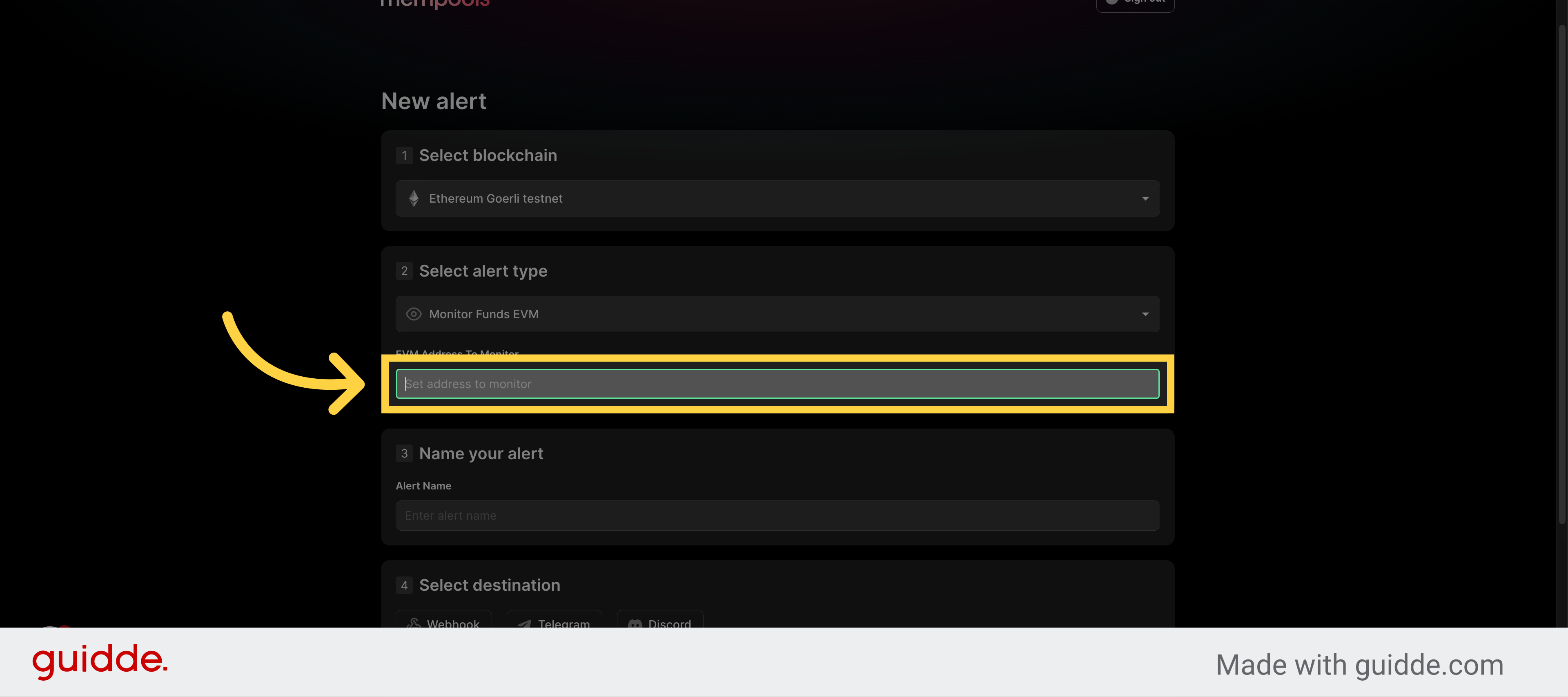
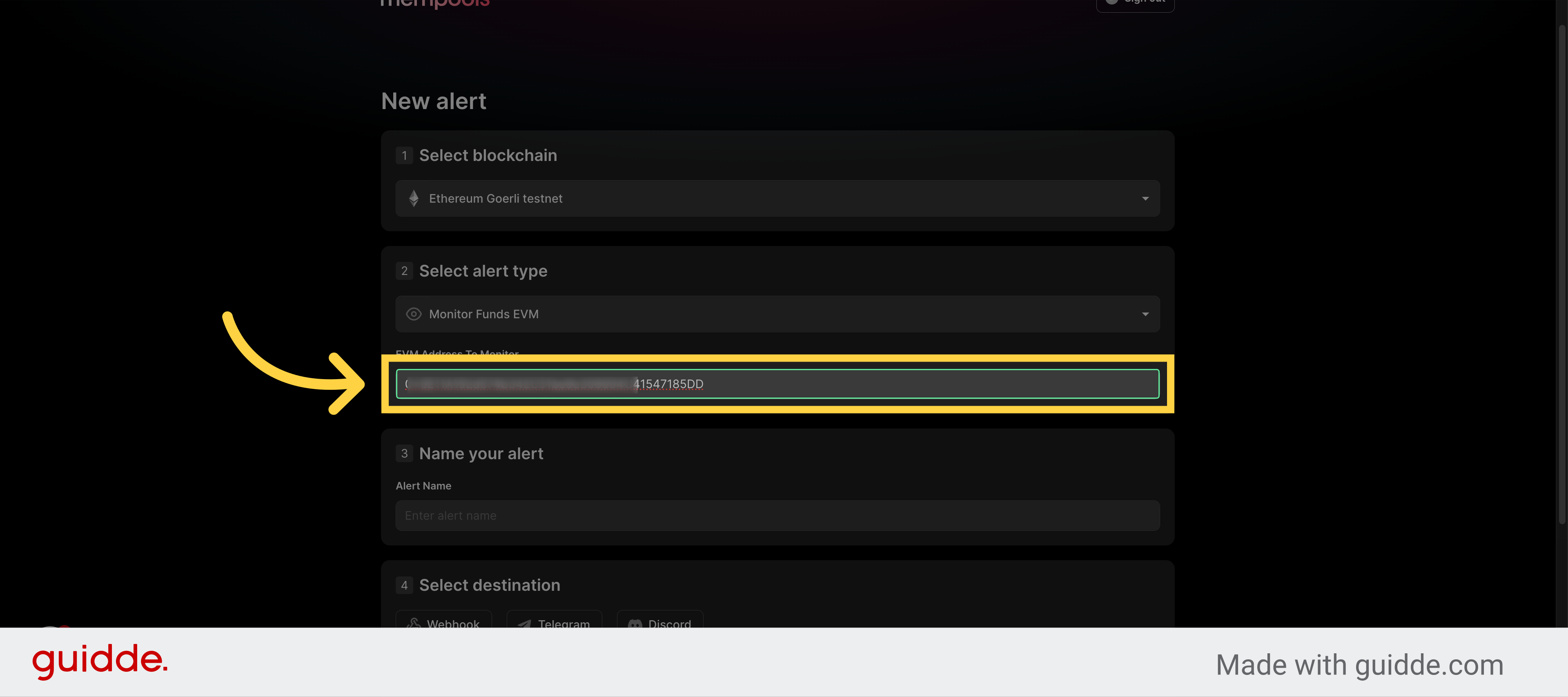
9. Add the address to monitor
Enter the Ethereum address to monitor.
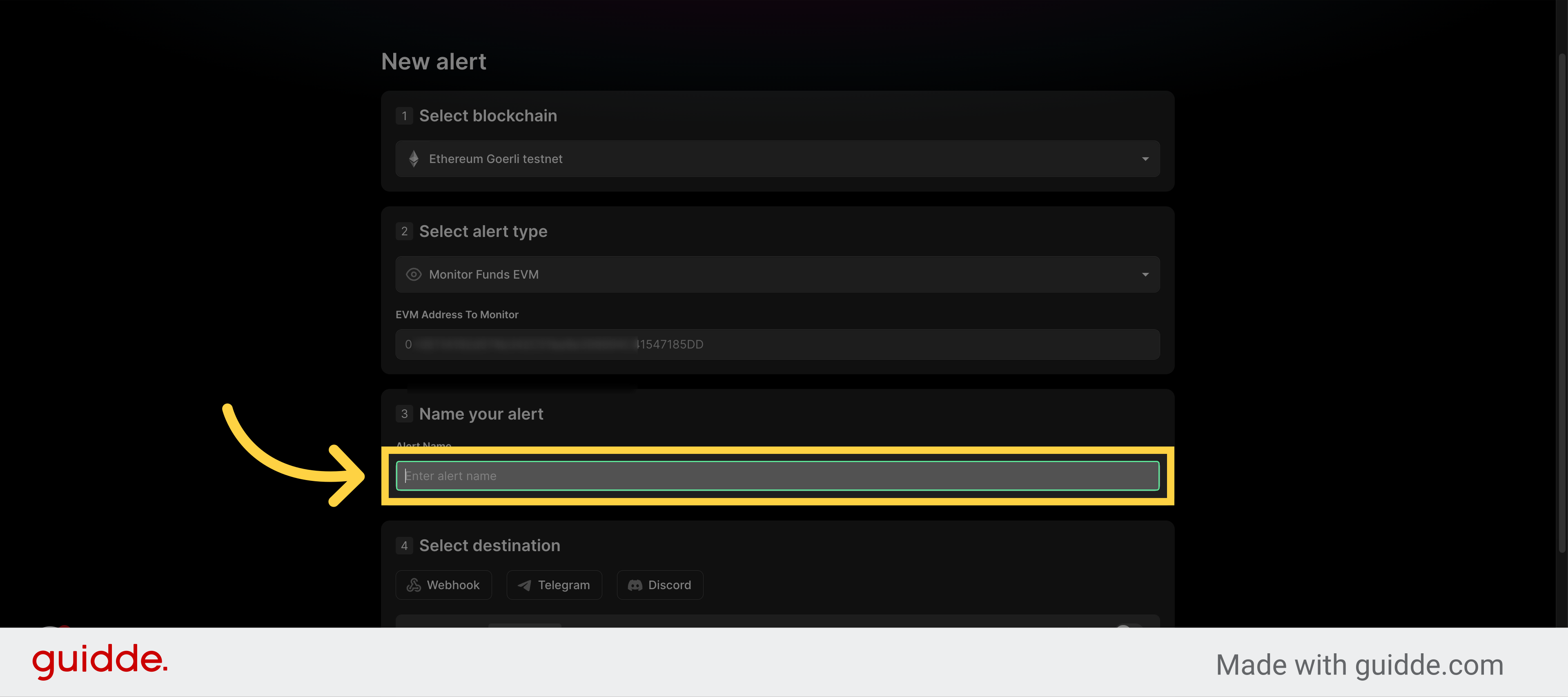
10. Click "Enter alert name"
Click on the "Enter alert name" field.
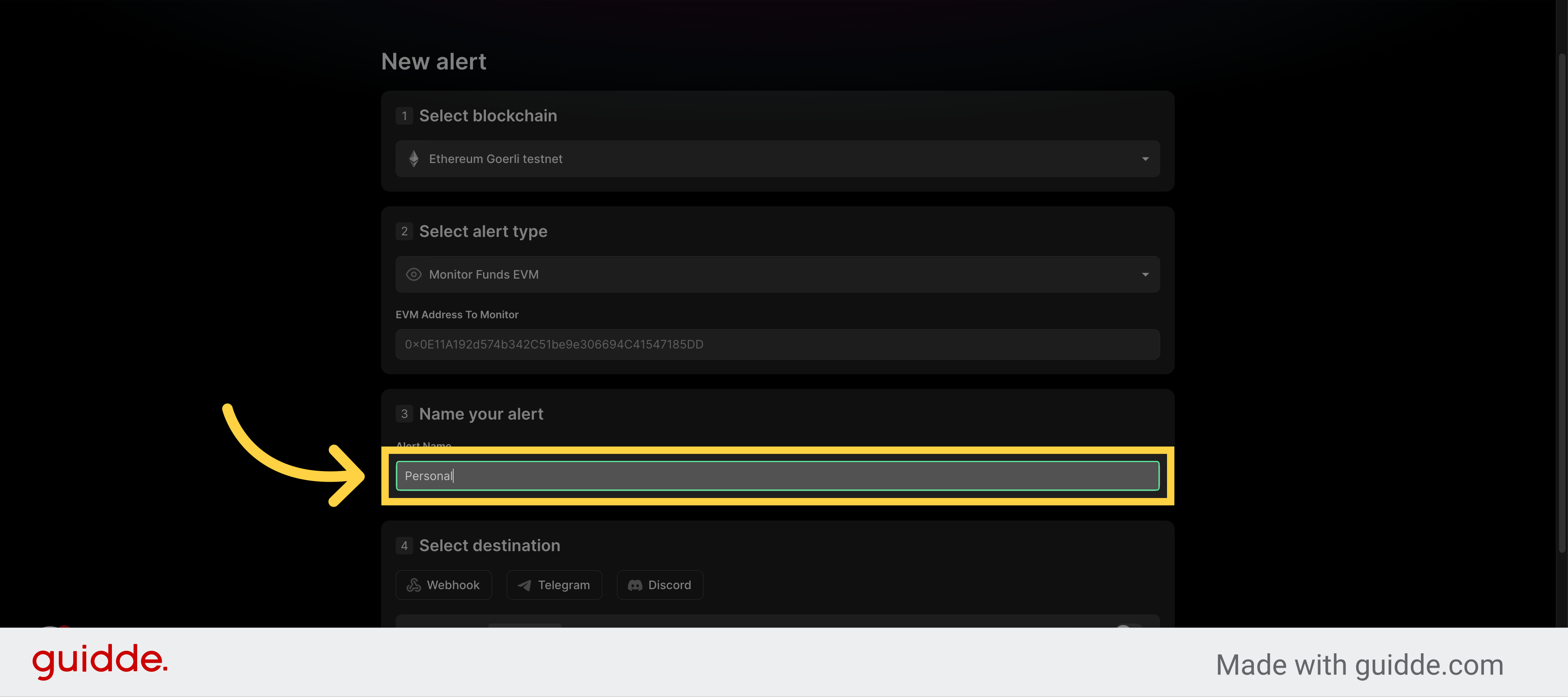
11. Fill Alert Name
Enter a name for your alert.
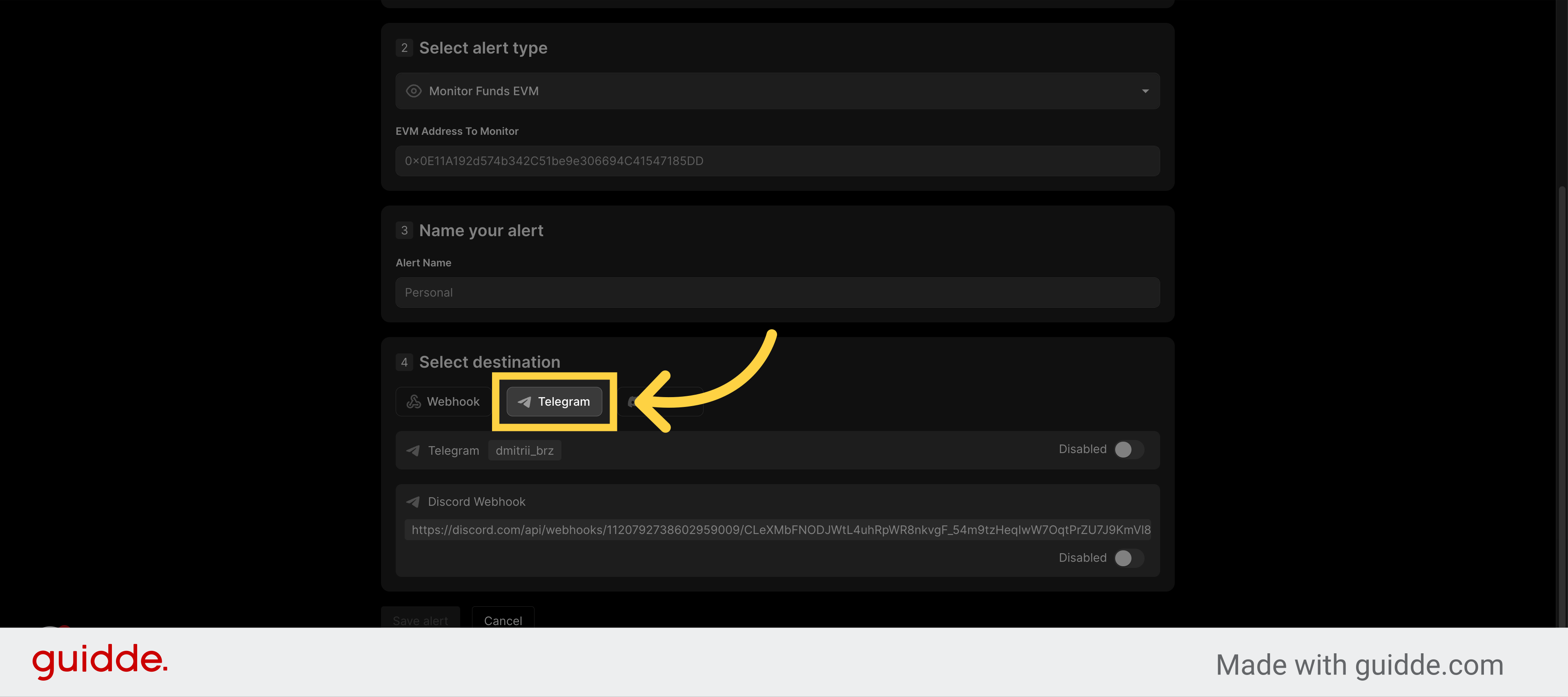
12. Choose a destination
Select "Telegram" from the dropdown menu.
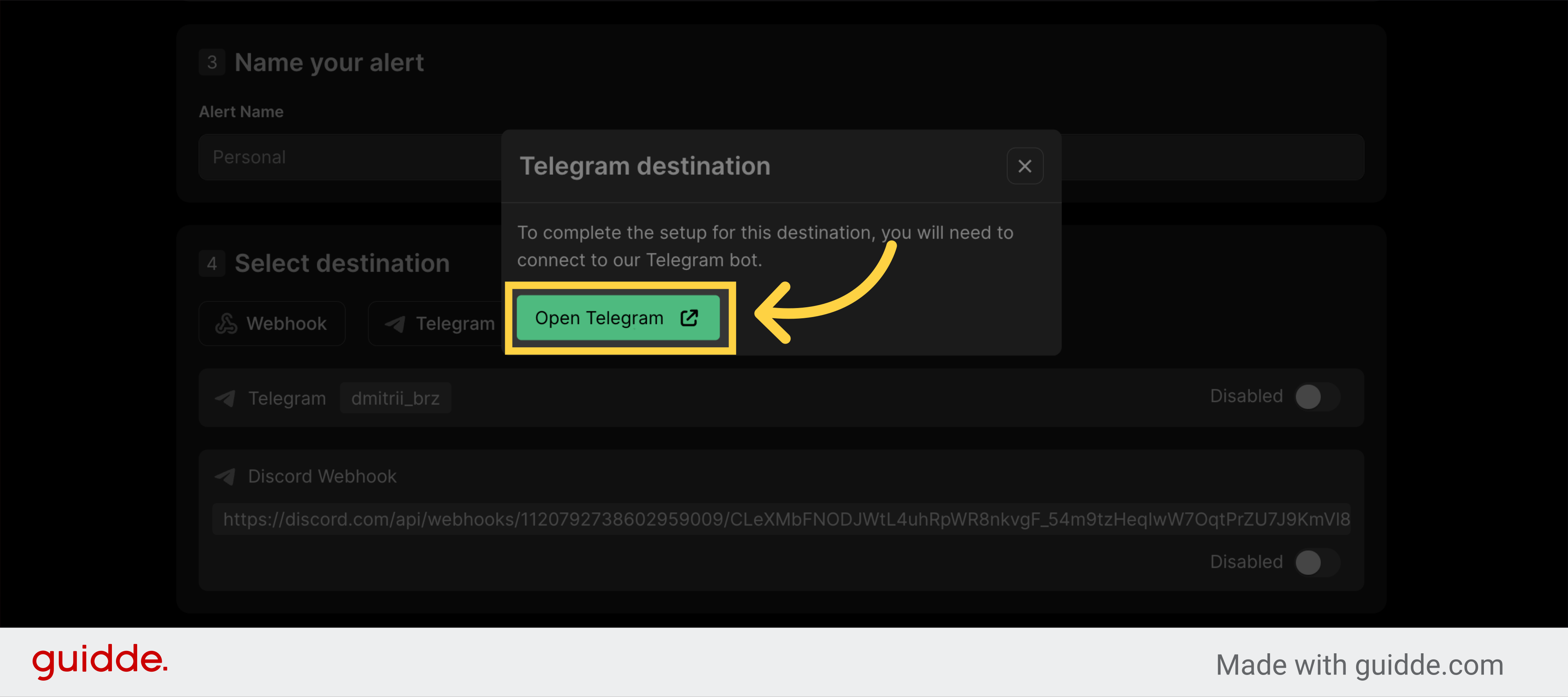
13. Click "Open Telegram"
Click on the "Open Telegram" button.
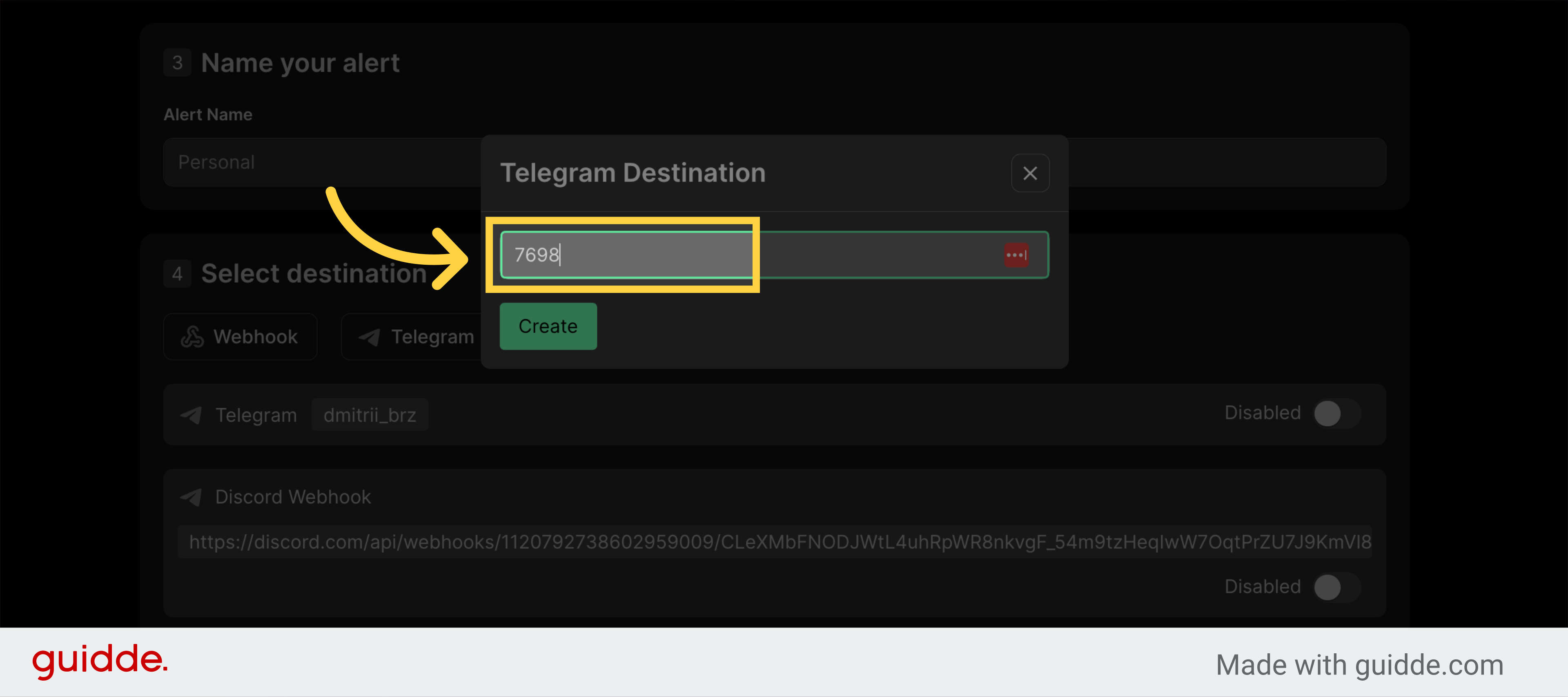
14. Click "Create"
Click on the "Create" button.

15. Fill in the verification code
Fill in the verification code sent to you through Telegram
16. Click "Verify"
Click on the "Verify" button.

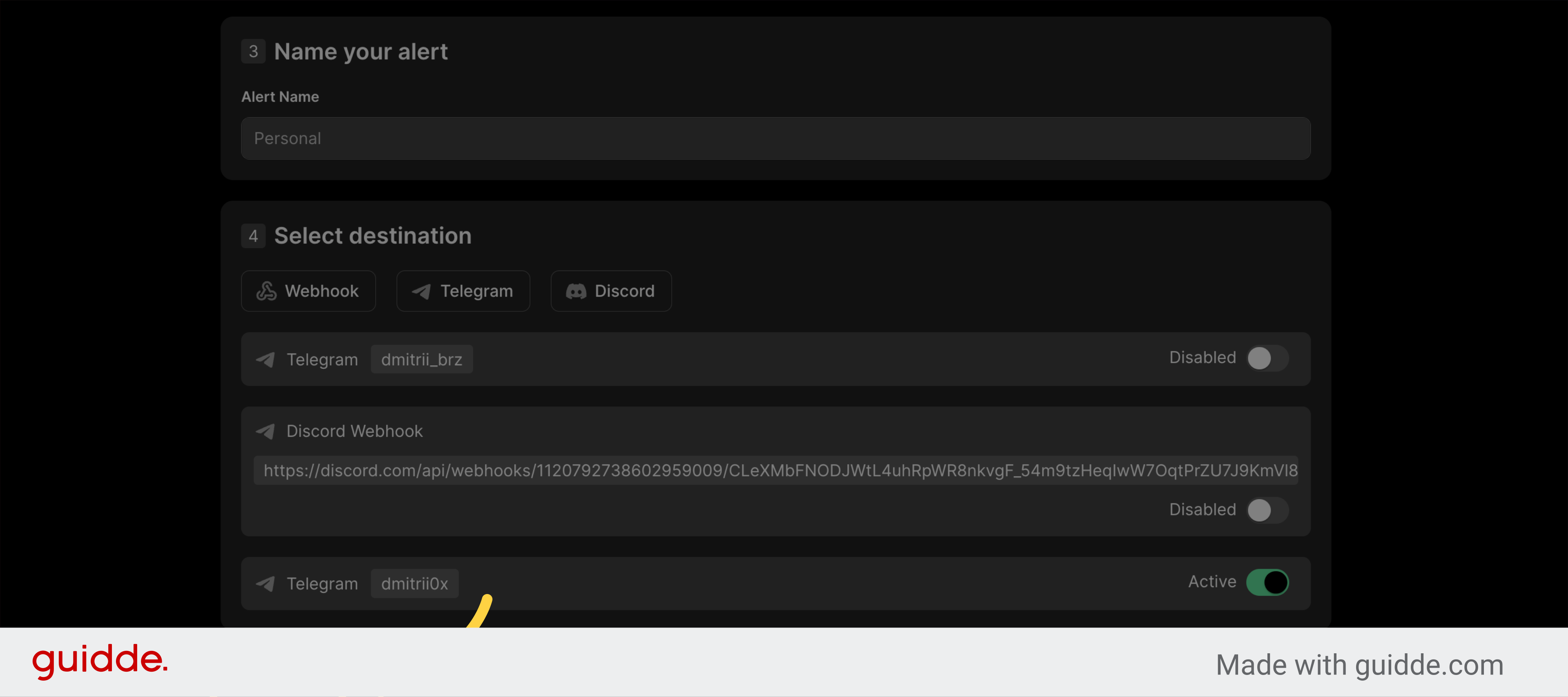
17. Destination is ready
Your destination should appear in the list and marked as "active"
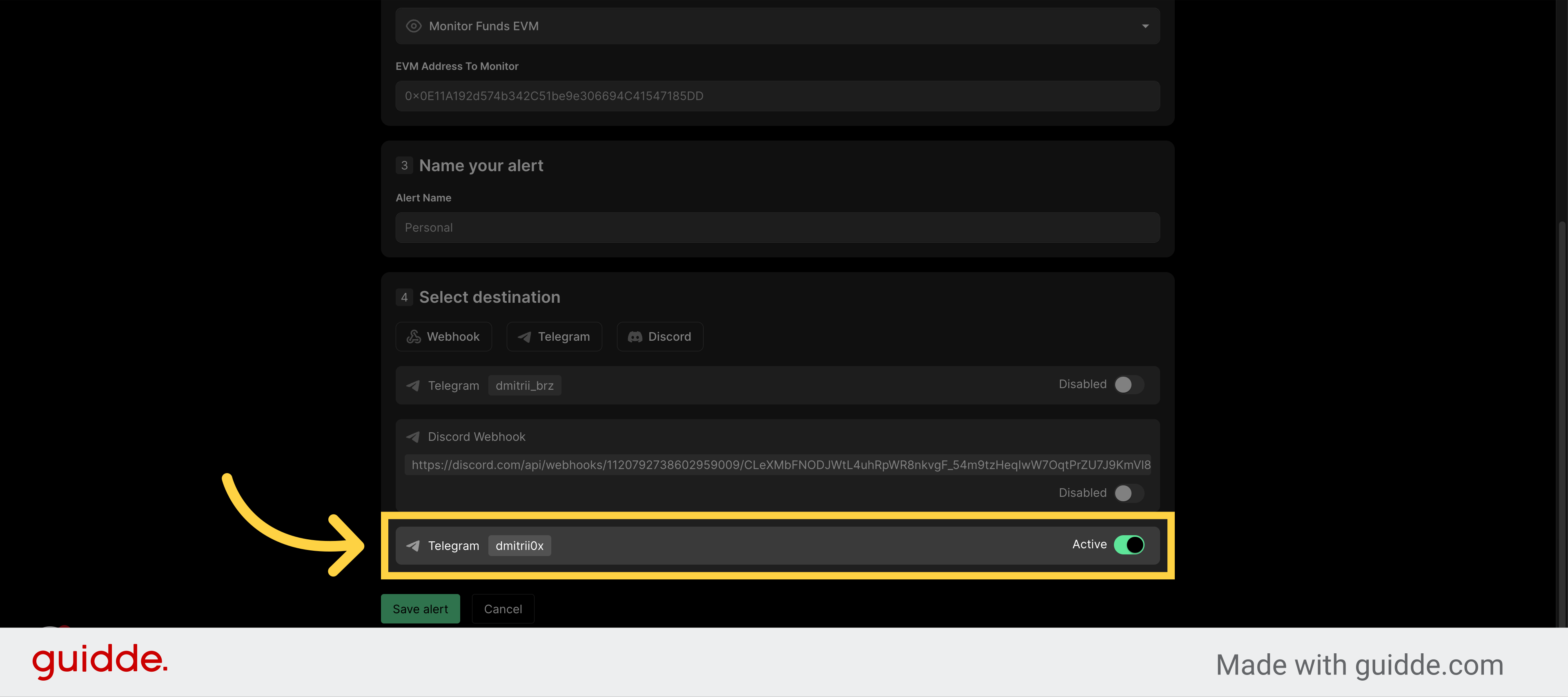
18. Click "Save alert"
Click on the "Save alert" button.
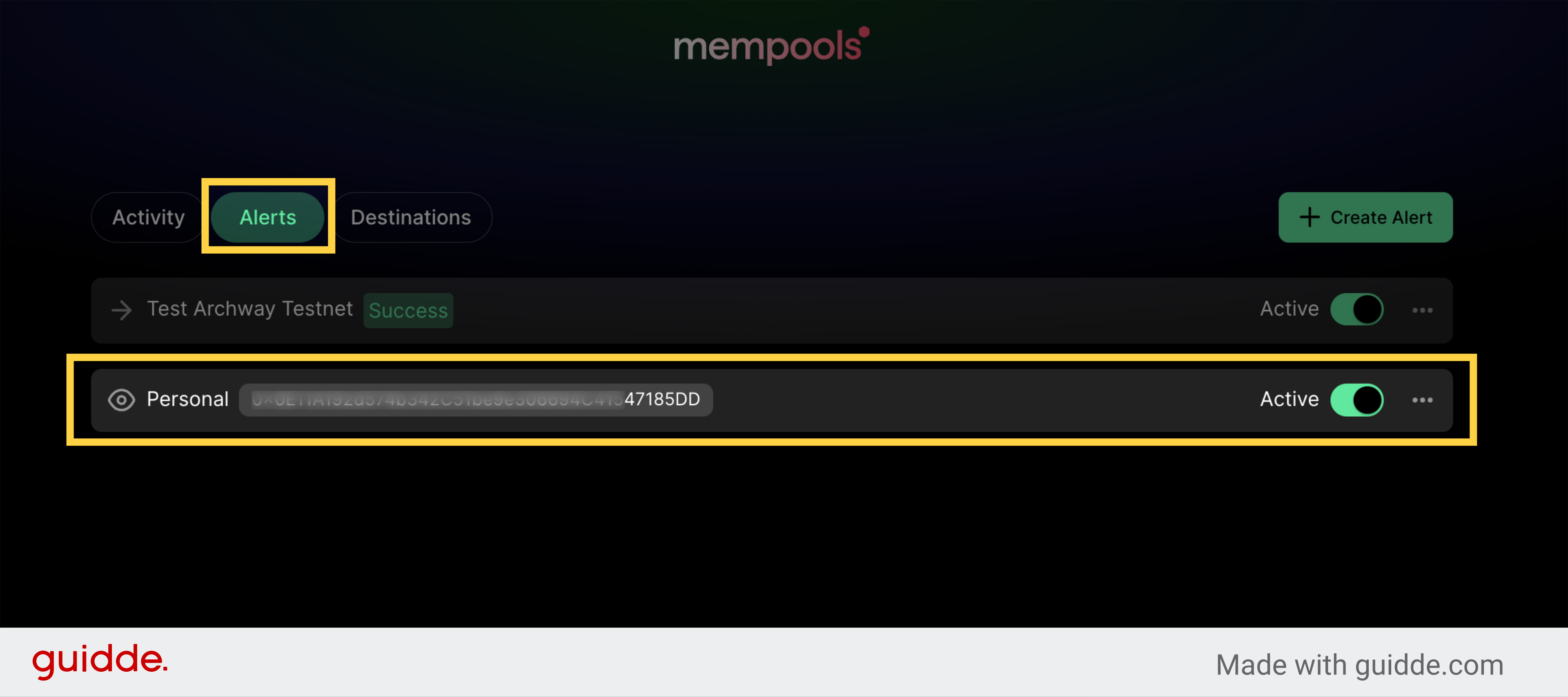
19. Existing alerts
Click on the "Alerts" tab.
This guide covered the process of setting up a Mempools account and creating your first alert. You learned how to sign up for a free account, connect your email and Telegram account, and configure your alert settings. Now you are ready to monitor your Ethereum transactions with Mempools.